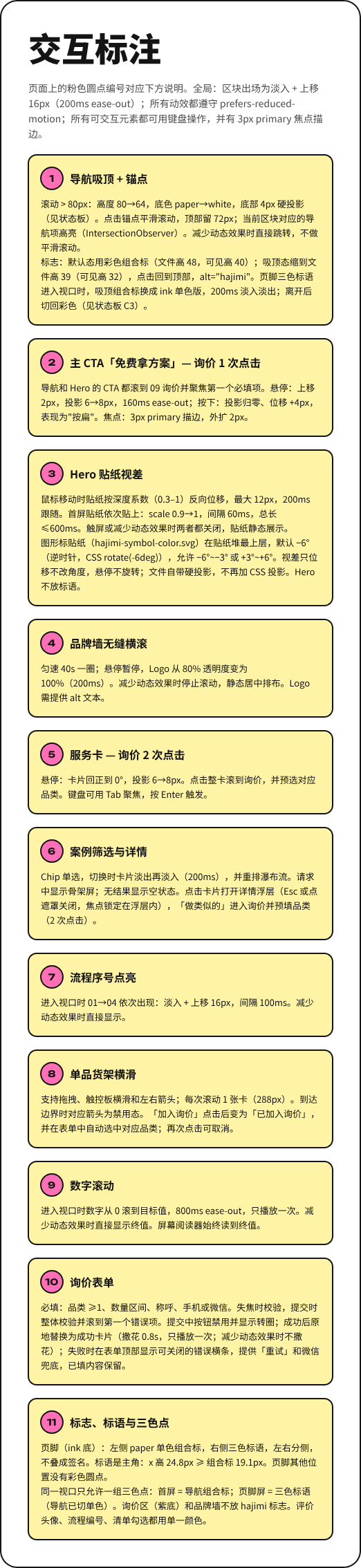
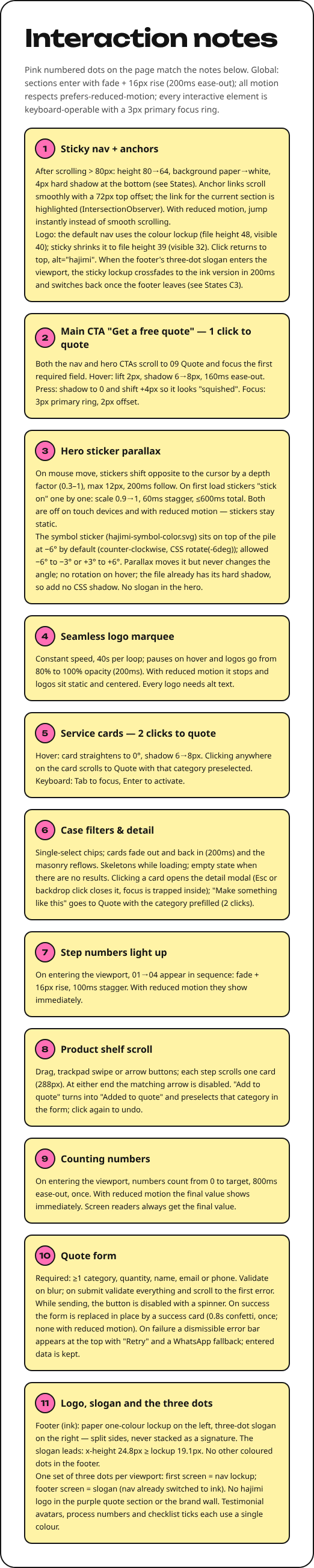
Pink numbered dots on the page match the notes below. Global: sections enter with fade + 16px rise (200ms ease-out); all motion respects prefers-reduced-motion; every interactive element is keyboard-operable with a 3px primary focus ring.
1Sticky nav + anchors
After scrolling > 80px: height 80→64, background paper→white, 4px hard shadow at the bottom (see States). Anchor links scroll smoothly with a 72px top offset; the link for the current section is highlighted (IntersectionObserver). With reduced motion, jump instantly instead of smooth scrolling.
Logo: the default nav uses the colour lockup (file height 48, visible 40); sticky shrinks it to file height 39 (visible 32). Click returns to top, alt="hajimi". When the footer's three-dot slogan enters the viewport, the sticky lockup crossfades to the ink version in 200ms and switches back once the footer leaves (see States C3).
2Main CTA "Get a free quote" — 1 click to quote
Both the nav and hero CTAs scroll to 09 Quote and focus the first required field. Hover: lift 2px, shadow 6→8px, 160ms ease-out. Press: shadow to 0 and shift +4px so it looks "squished". Focus: 3px primary ring, 2px offset.
3Hero sticker parallax
On mouse move, stickers shift opposite to the cursor by a depth factor (0.3–1), max 12px, 200ms follow. On first load stickers "stick on" one by one: scale 0.9→1, 60ms stagger, ≤600ms total. Both are off on touch devices and with reduced motion — stickers stay static.
The symbol sticker (hajimi-symbol-color.svg) sits on top of the pile at −6° by default (counter-clockwise, CSS rotate(-6deg)); allowed −6° to −3° or +3° to +6°. Parallax moves it but never changes the angle; no rotation on hover; the file already has its hard shadow, so add no CSS shadow. No slogan in the hero.
4Seamless logo marquee
Constant speed, 40s per loop; pauses on hover and logos go from 80% to 100% opacity (200ms). With reduced motion it stops and logos sit static and centered. Every logo needs alt text.
5Service cards — 2 clicks to quote
Hover: card straightens to 0°, shadow 6→8px. Clicking anywhere on the card scrolls to Quote with that category preselected. Keyboard: Tab to focus, Enter to activate.
6Case filters & detail
Single-select chips; cards fade out and back in (200ms) and the masonry reflows. Skeletons while loading; empty state when there are no results. Clicking a card opens the detail modal (Esc or backdrop click closes it, focus is trapped inside); "Make something like this" goes to Quote with the category prefilled (2 clicks).
7Step numbers light up
On entering the viewport, 01→04 appear in sequence: fade + 16px rise, 100ms stagger. With reduced motion they show immediately.
8Product shelf scroll
Drag, trackpad swipe or arrow buttons; each step scrolls one card (288px). At either end the matching arrow is disabled. "Add to quote" turns into "Added to quote" and preselects that category in the form; click again to undo.
9Counting numbers
On entering the viewport, numbers count from 0 to target, 800ms ease-out, once. With reduced motion the final value shows immediately. Screen readers always get the final value.
10Quote form
Required: ≥1 category, quantity, name, email or phone. Validate on blur; on submit validate everything and scroll to the first error. While sending, the button is disabled with a spinner. On success the form is replaced in place by a success card (0.8s confetti, once; none with reduced motion). On failure a dismissible error bar appears at the top with "Retry" and a WhatsApp fallback; entered data is kept.
11Logo, slogan and the three dots
Footer (ink): paper one-colour lockup on the left, three-dot slogan on the right — split sides, never stacked as a signature. The slogan leads: x-height 24.8px ≥ lockup 19.1px. No other coloured dots in the footer.
One set of three dots per viewport: first screen = nav lockup; footer screen = slogan (nav already switched to ink). No hajimi logo in the purple quote section or the brand wall. Testimonial avatars, process numbers and checklist ticks each use a single colour.